


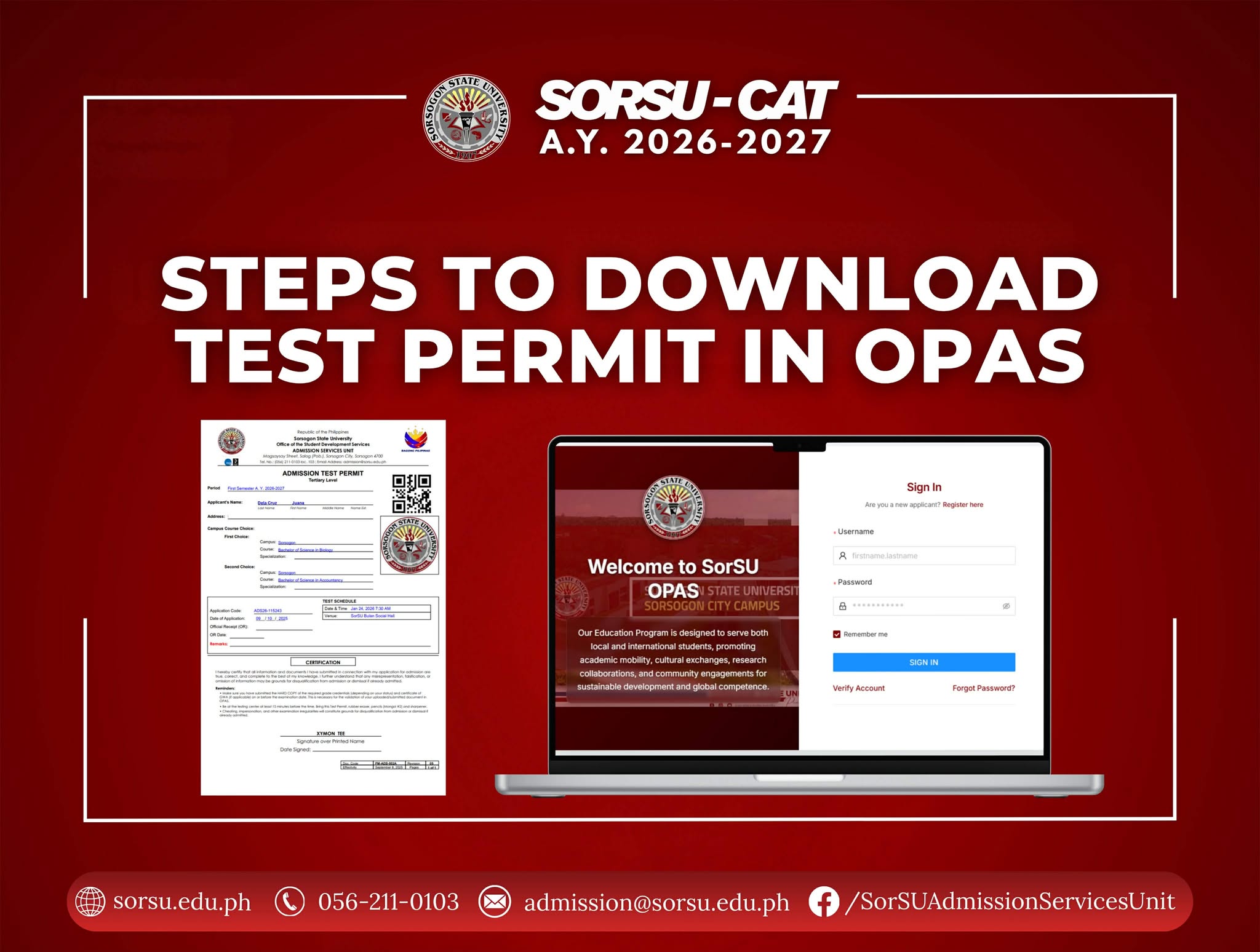
The SorSU Admission Test is coming! Examinees, gear up and make sure your test permit is ready!
THREE SIMPLE STEPS TO DOWNLOAD TEST PERMIT
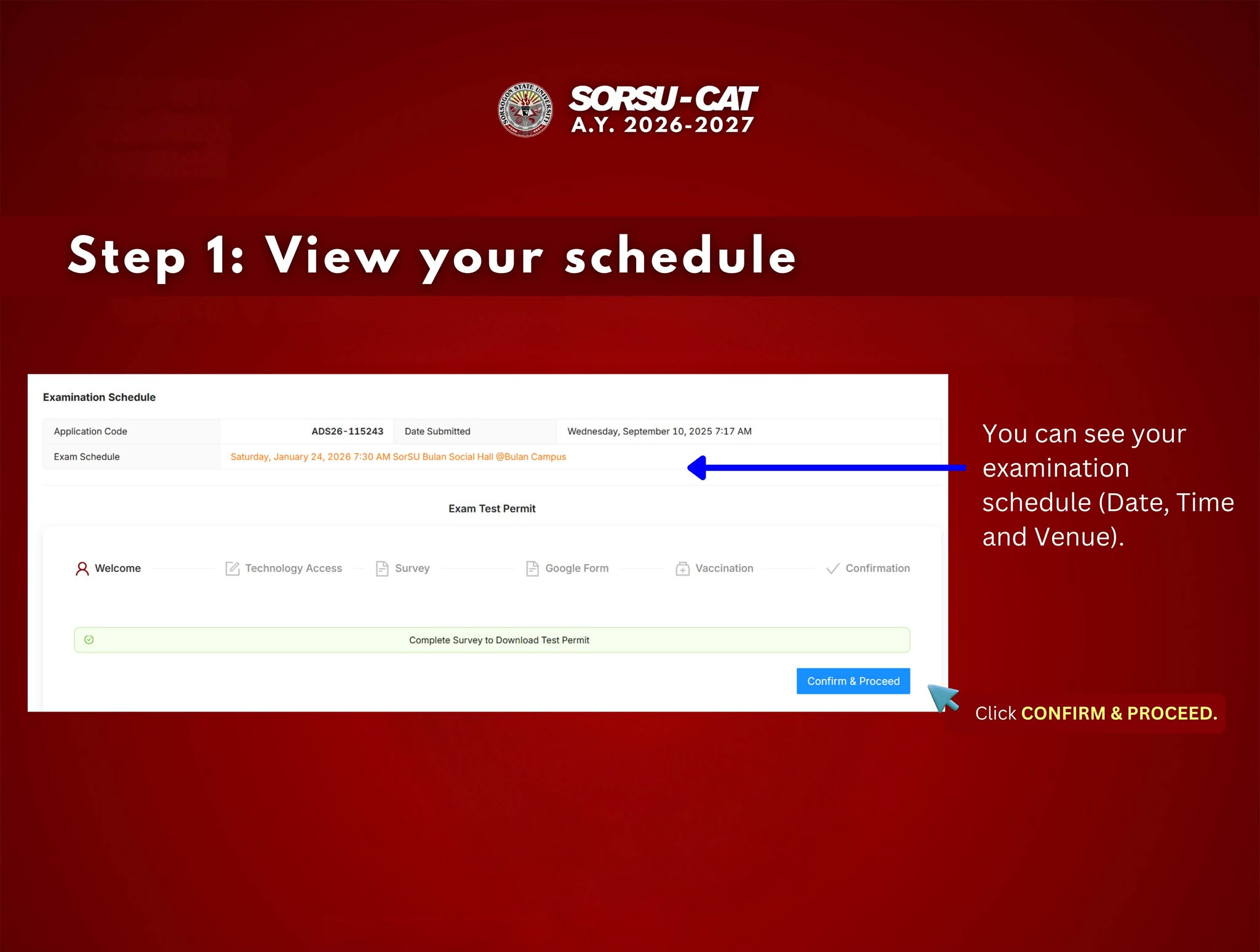
Step 1: View your Schedule
Using a web browser (recommended: Google Chrome), sign-in your existing OPAS account to view your schedule. Then click the CONFIRM AND PROCEED button.
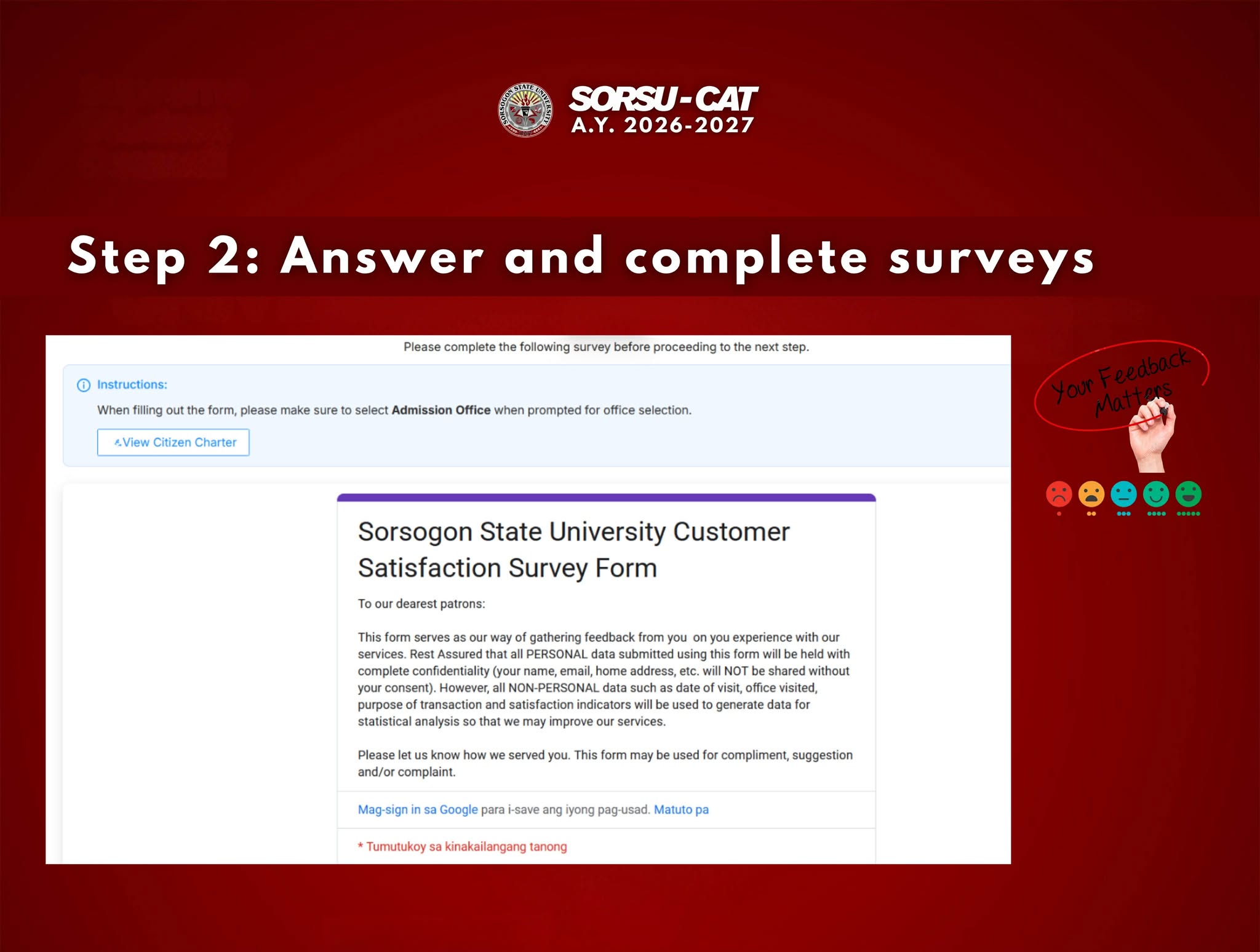
Step 2: Answer and complete surveys
Your feedback matters! Kindly complete all the surveys to proceed.
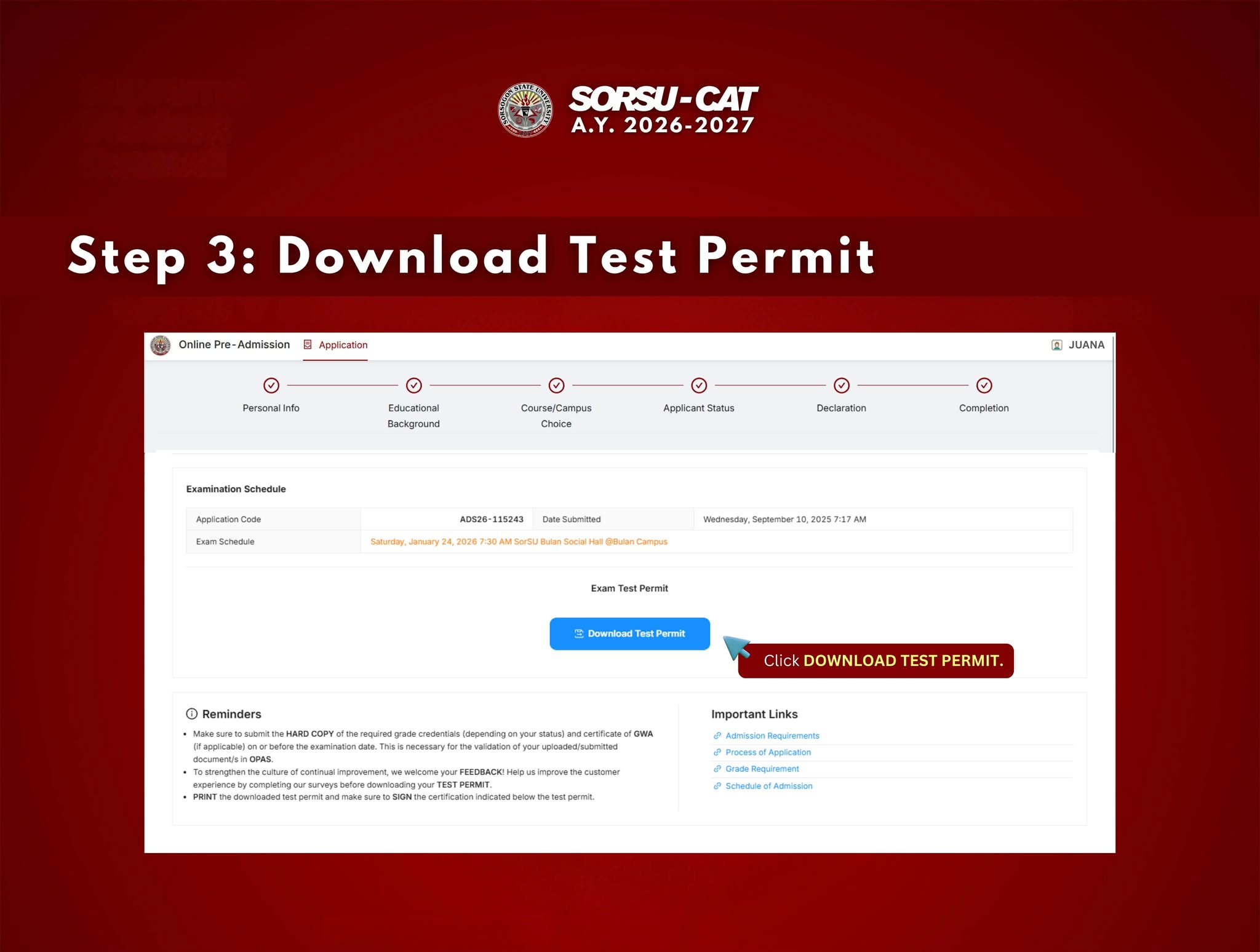
Step 3: Download Test Permit
Click the DOWNLOAD TEST PERMIT button. Make sure to have a stable internet connection in downloading your test permit. Go directly to the URL of OPAS [admission.sorsu.edu.ph] using Google Chrome as your web browser. Do not use the link provided in the Facebook or FB Messenger.
REMINDERS:
📌For college applicants, make sure you have submitted the HARD COPY of the required grade credentials and certificate of GWA (if applicable) with a long size white folder on or before the examination date. This is necessary for the validation of your uploaded/submitted documents online.
📌 Print the test permit in a long size bond paper and don’t forget to bring it during the examination day.
📌 Ensure that the certification portion on your test permit is signed and dated.
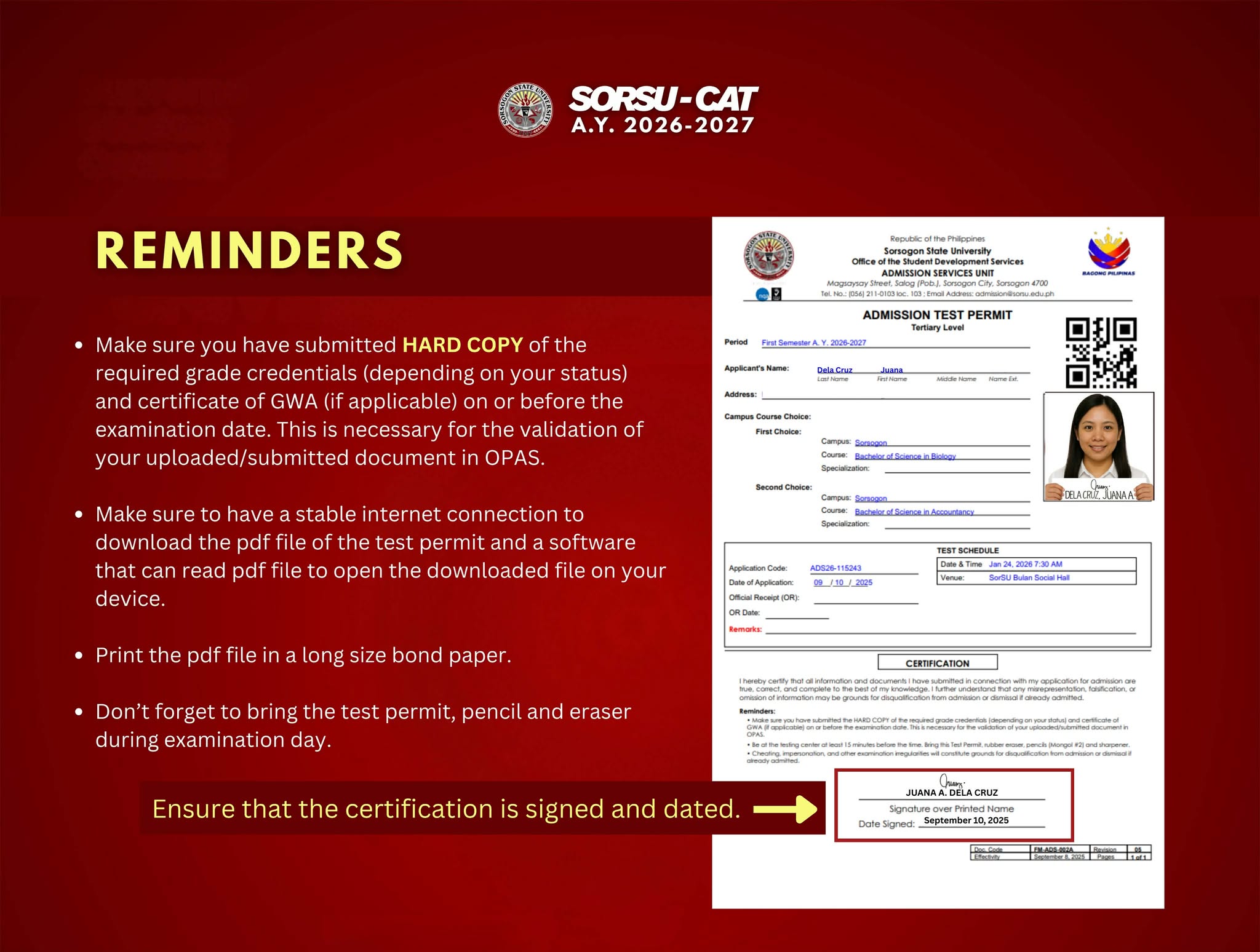
***Click photo to enlarge.